Connect
Find your switcher and stay connected
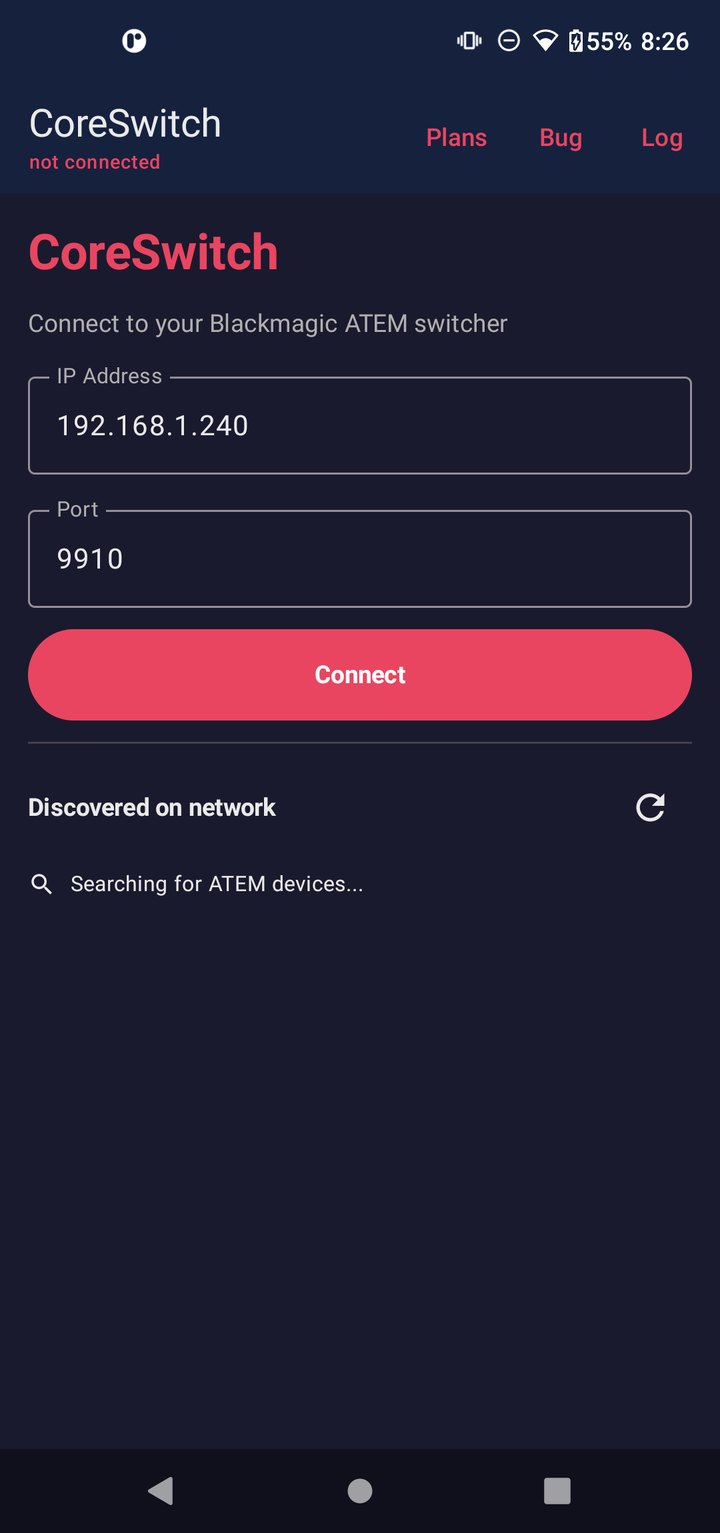
On the same Wi‑Fi as your ATEM, CoreSwitch can discover the mixer automatically. Prefer to type an address? Enter the IP and port — 9910 is the usual ATEM port.
Features
CoreSwitch mirrors the ATEM tabs you already know from Software Control. Each section below explains what you can do there. Paid plans unlock more tabs after the free demo — but you can always see live Program and Preview state on every screen.
Connect
On the same Wi‑Fi as your ATEM, CoreSwitch can discover the mixer automatically. Prefer to type an address? Enter the IP and port — 9910 is the usual ATEM port.
Switcher
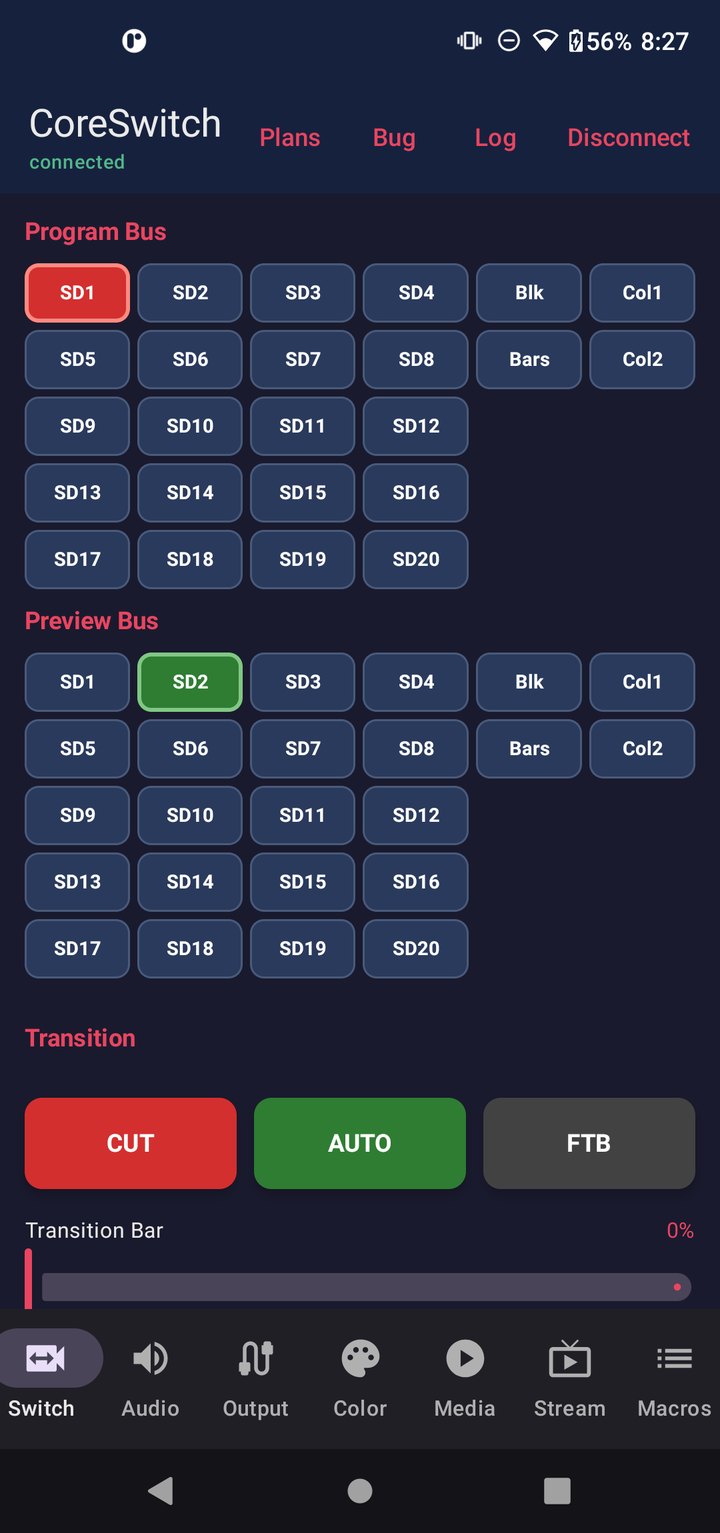
Pick sources on Program and Preview, hit CUT or AUTO, use the T-bar, and fade to black. Buttons follow ATEM tally colors — red for Program, green for Preview — so you always know what is live and what is cued.
Audio
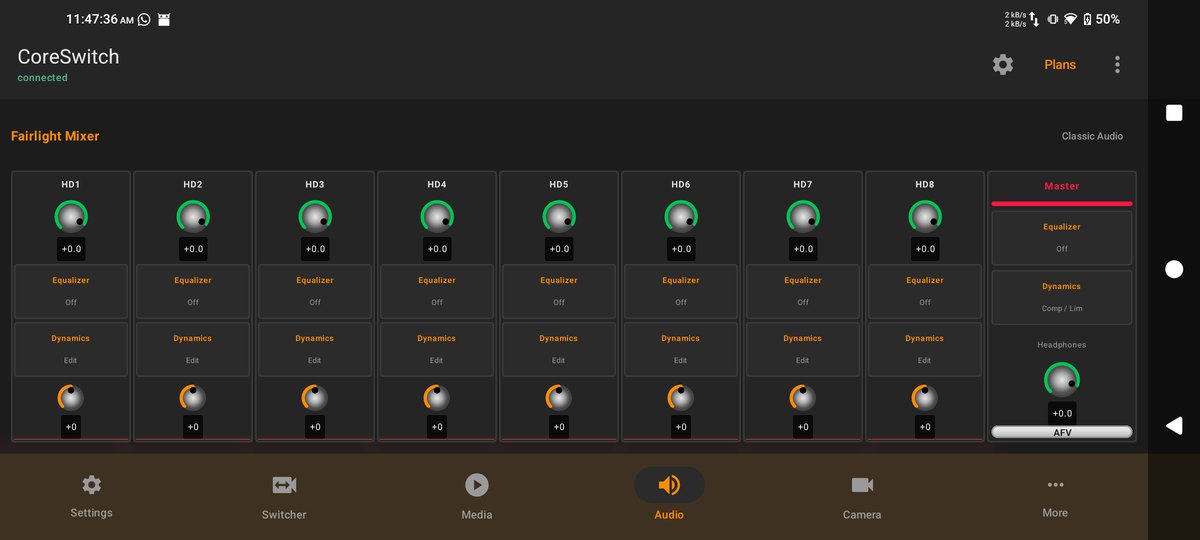
Adjust input levels, monitor mix, and routing from the Fairlight tab — the same audio controls you expect on a hardware panel, sized for touch.
Output
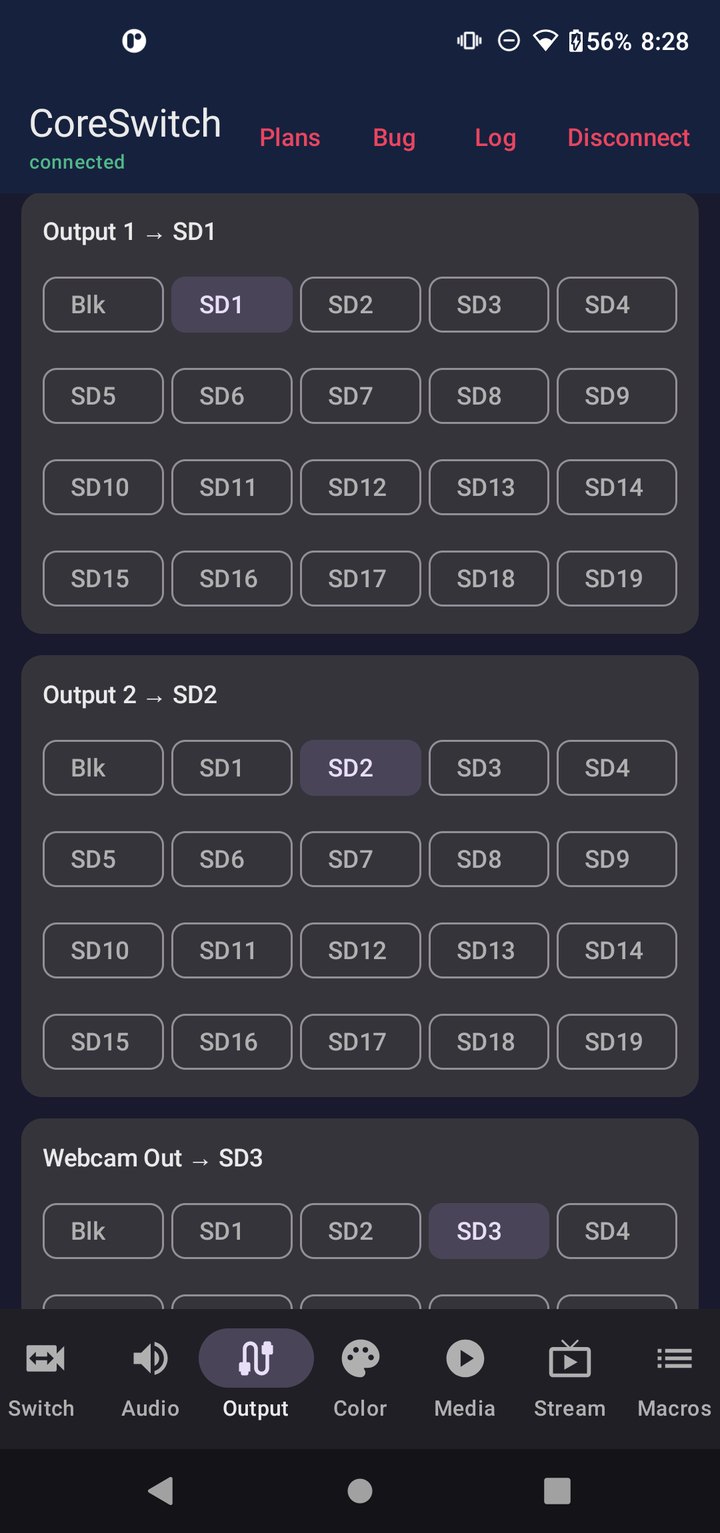
Assign sources to Output 1, Output 2, and Webcam Out from the Output tab. Color correction lives on its own tab in the same Pro plan.
Media & SuperSource
Load stills and clips into the media pool, play them to air, and build SuperSource layouts with draggable boxes — including double-tap to send a box full screen.
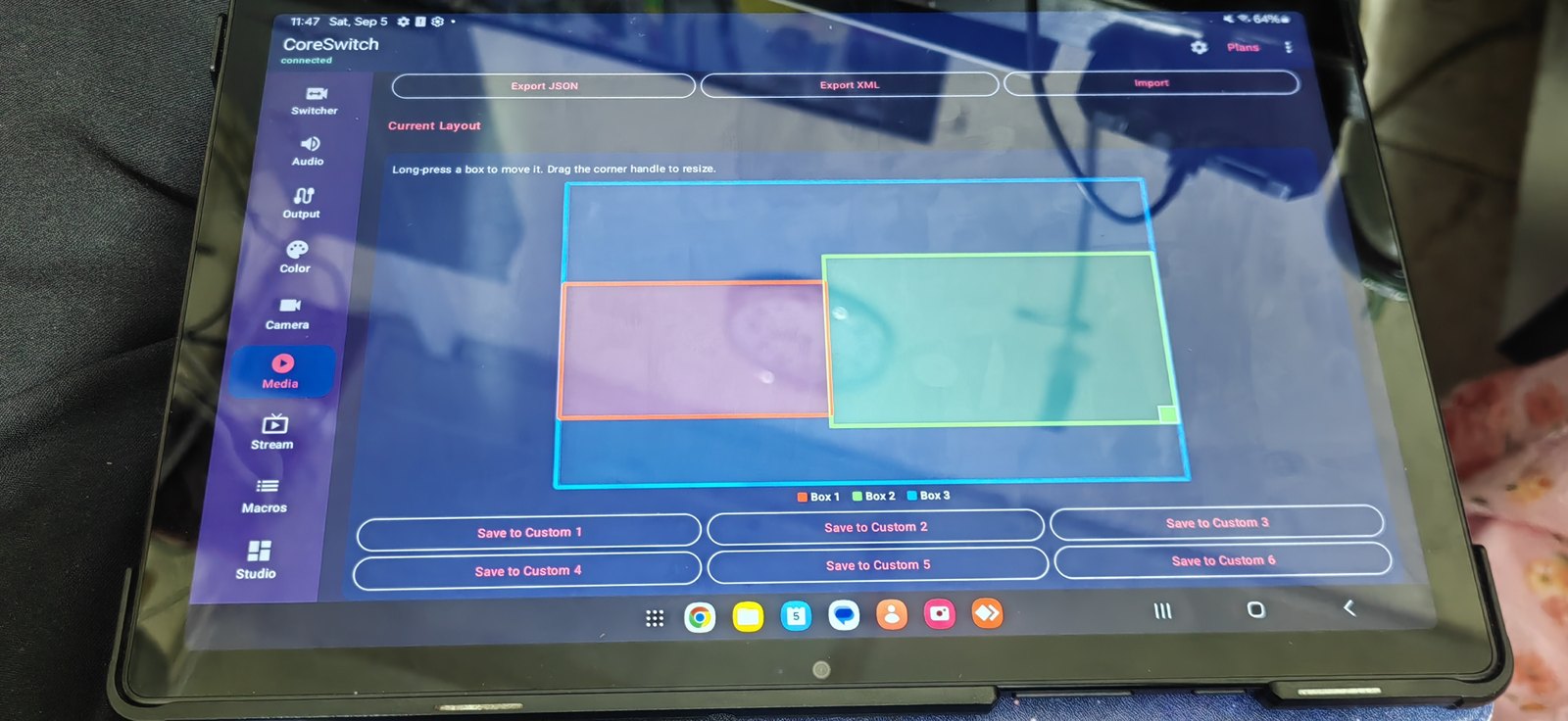
Lower third & more
Trigger lower thirds from saved banks, start and stop streaming, fire macros, and control PTZ cameras — the production extras that sit alongside your switcher workflow.
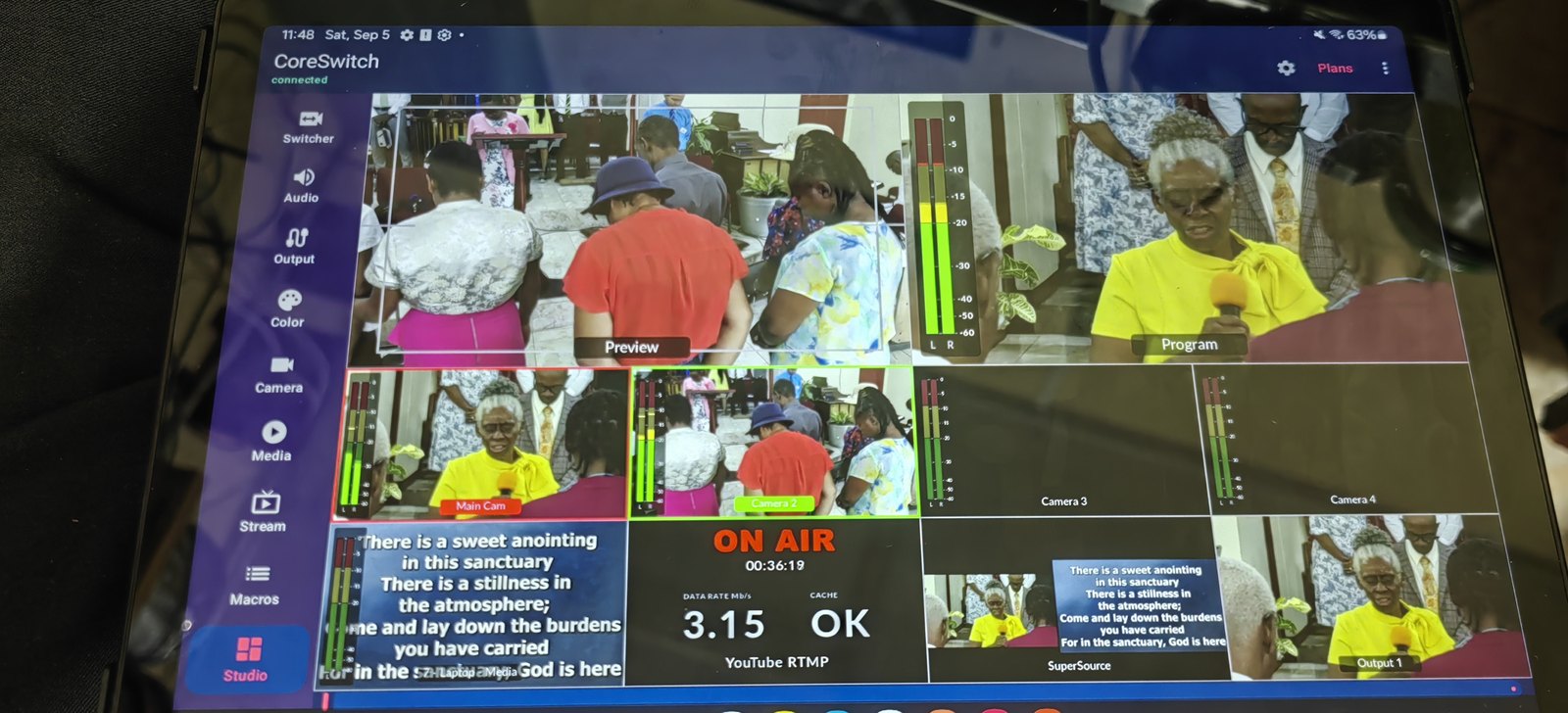
Touch Multiview
See every input while you switch. Touch Multiview is free with no time limit and does not require a paid plan. Pair the free Windows Multiview Bridge with your ATEM over USB, then watch the feed on your phone or tablet.
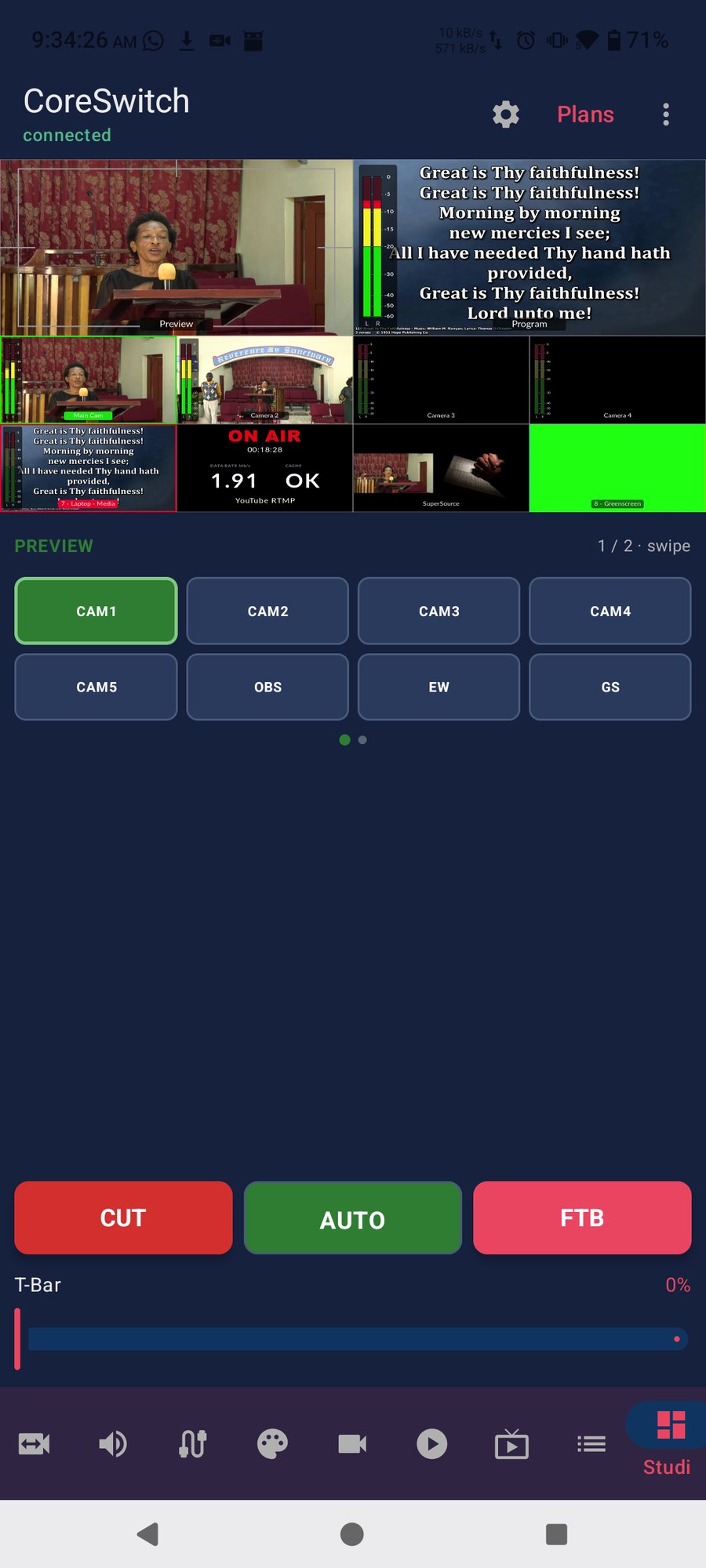
App settings
On tablets you can pick a Windows- or Linux-style layout. Save your source labels, reorder inputs, and tune display options. Open More → My Mixer to drag and resize the panels you use most — your own desk layout, not a fixed grid.
Get started
Download CoreSwitch, connect to your ATEM, and use Touch Multiview with no purchase. Paid plans add switching, audio, media, and more after a 5-minute demo.