On the phone
Touch Multiview opens as a landscape overlay: live video on the left, Program and Preview readouts plus CUT and AUTO on the right. You can also open multiview from the Studio tab if you prefer that layout.
Always free · no purchase required
Touch Multiview is free with no time limit — it is not part of the 5-minute switching demo. Your phone controls the ATEM over Wi‑Fi, but the live camera grid comes a different way: the mixer sends multiview over USB to a Windows PC, and the free Multiview Bridge streams that picture to CoreSwitch on the same network.
Studio tab on a tablet during a live service — every camera, Preview, Program, and stream status in one view.
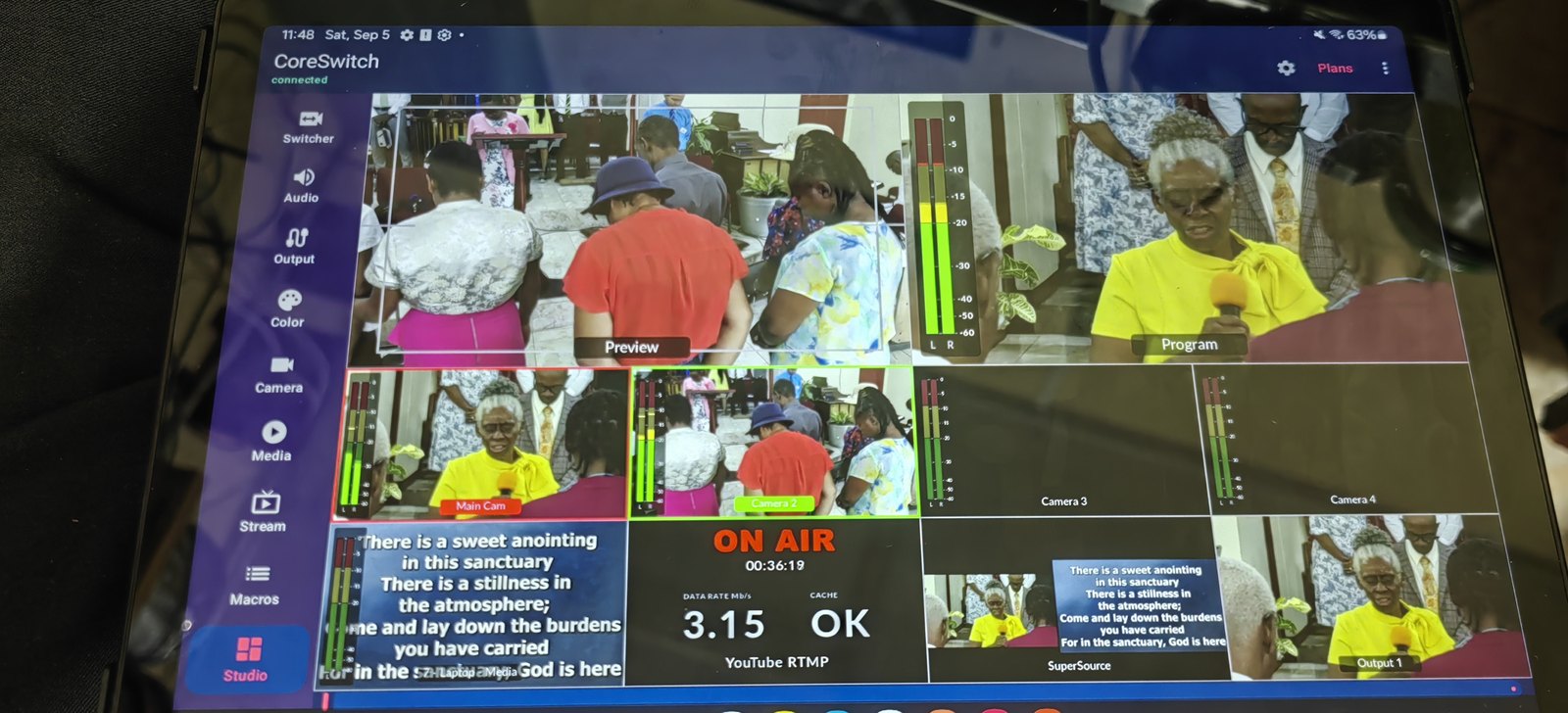
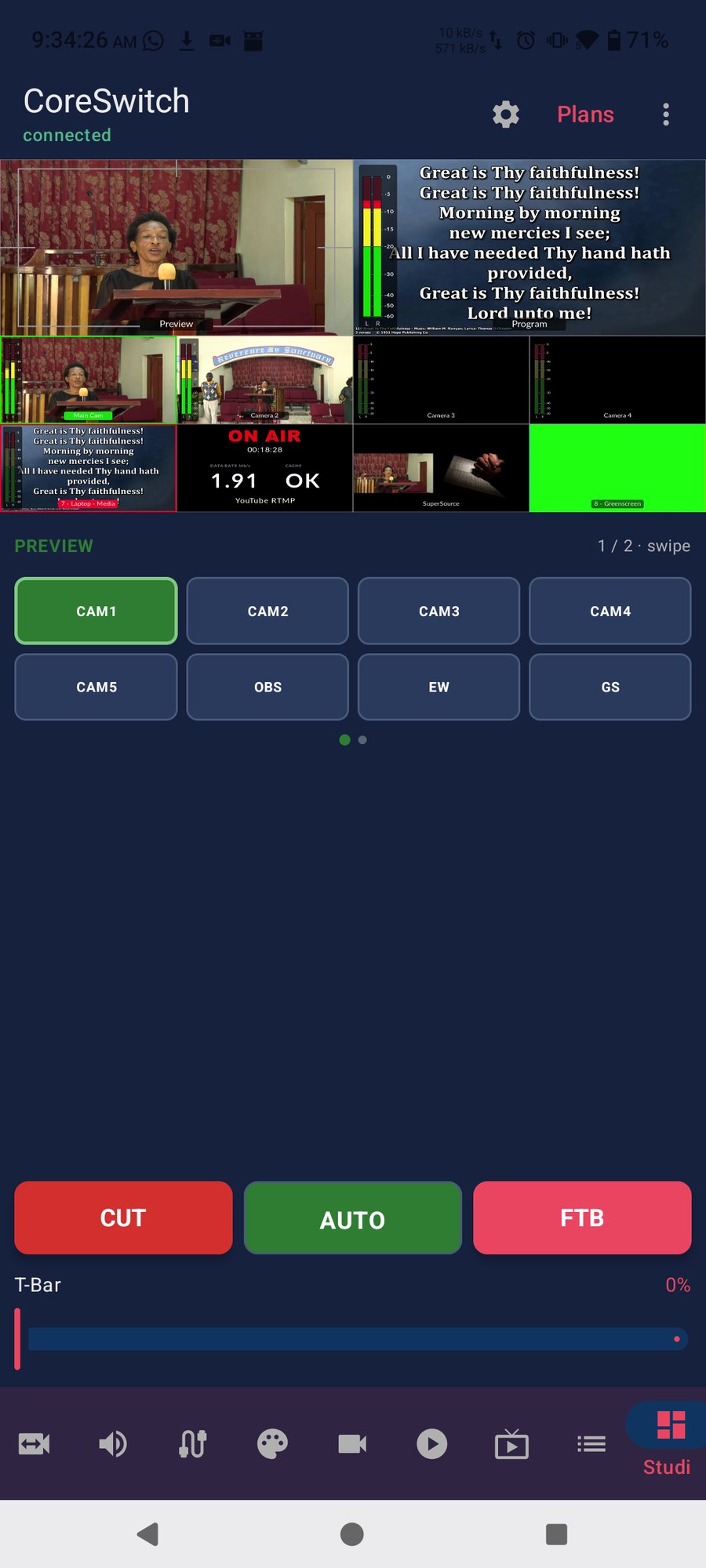
Touch Multiview opens as a landscape overlay: live video on the left, Program and Preview readouts plus CUT and AUTO on the right. You can also open multiview from the Studio tab if you prefer that layout.
Plug the ATEM in over USB, confirm Windows can see it, then tap Rescan. Keep the phone and PC on the same Wi‑Fi. If Windows Firewall blocks the stream, allow the Multiview Bridge app through — it uses TCP ports 8797 and 8798.