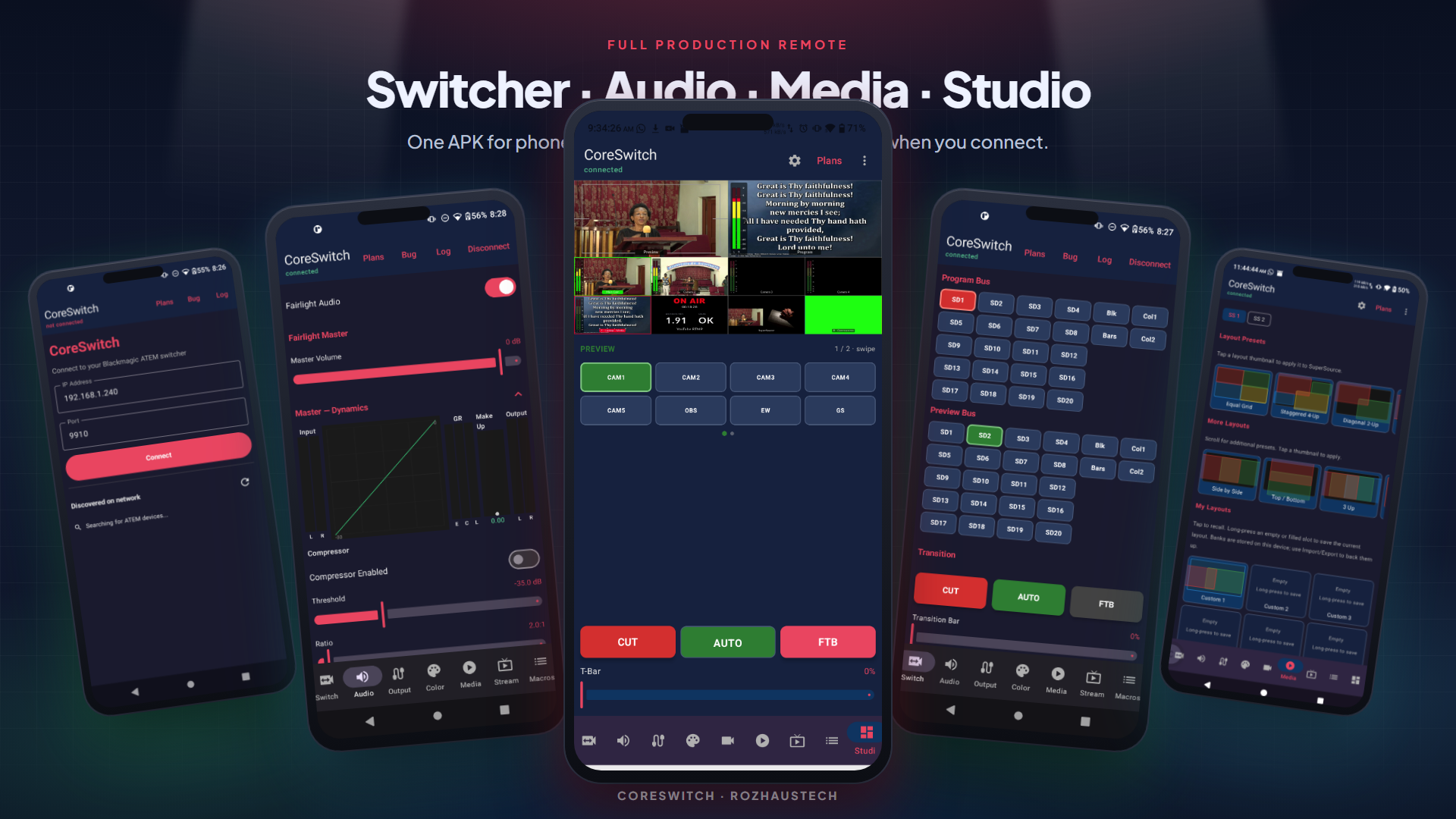
Basic
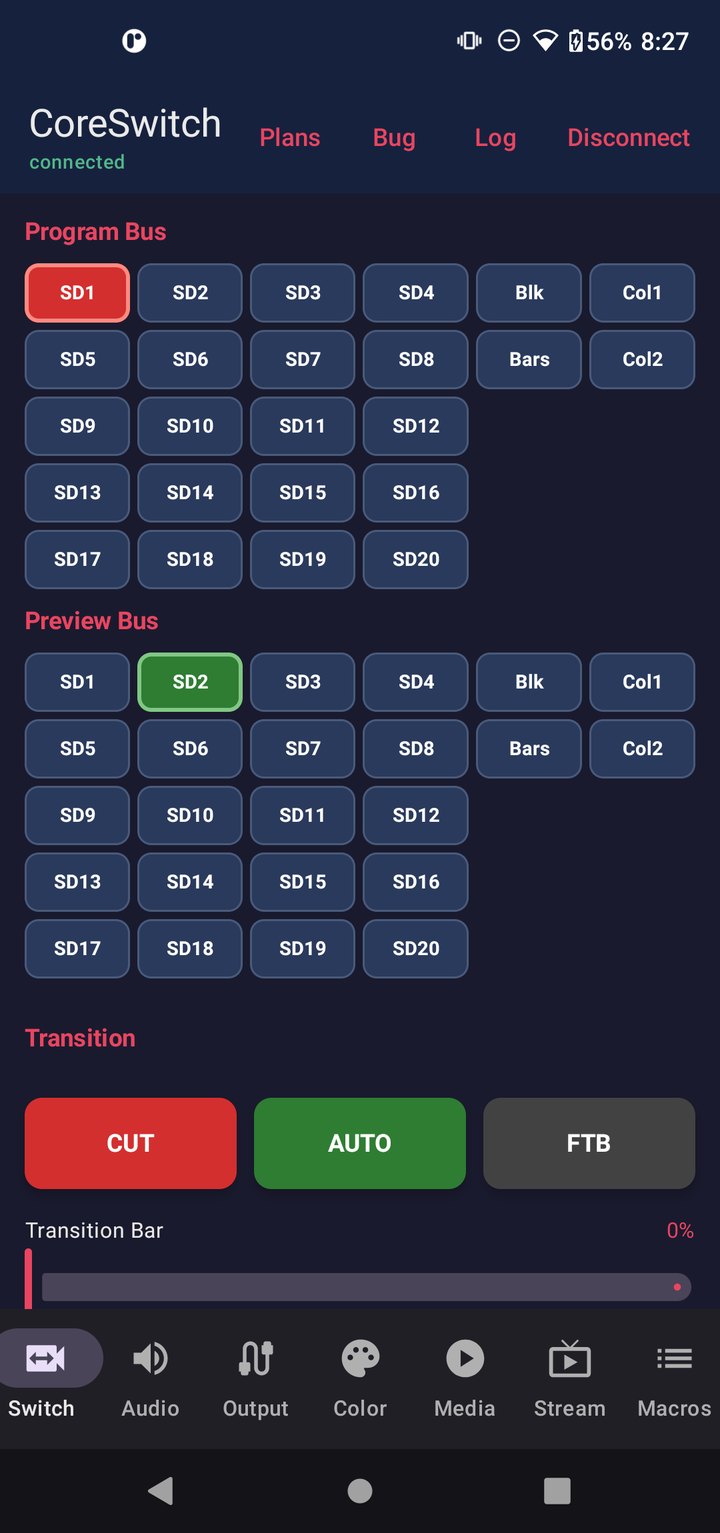
Switch the show
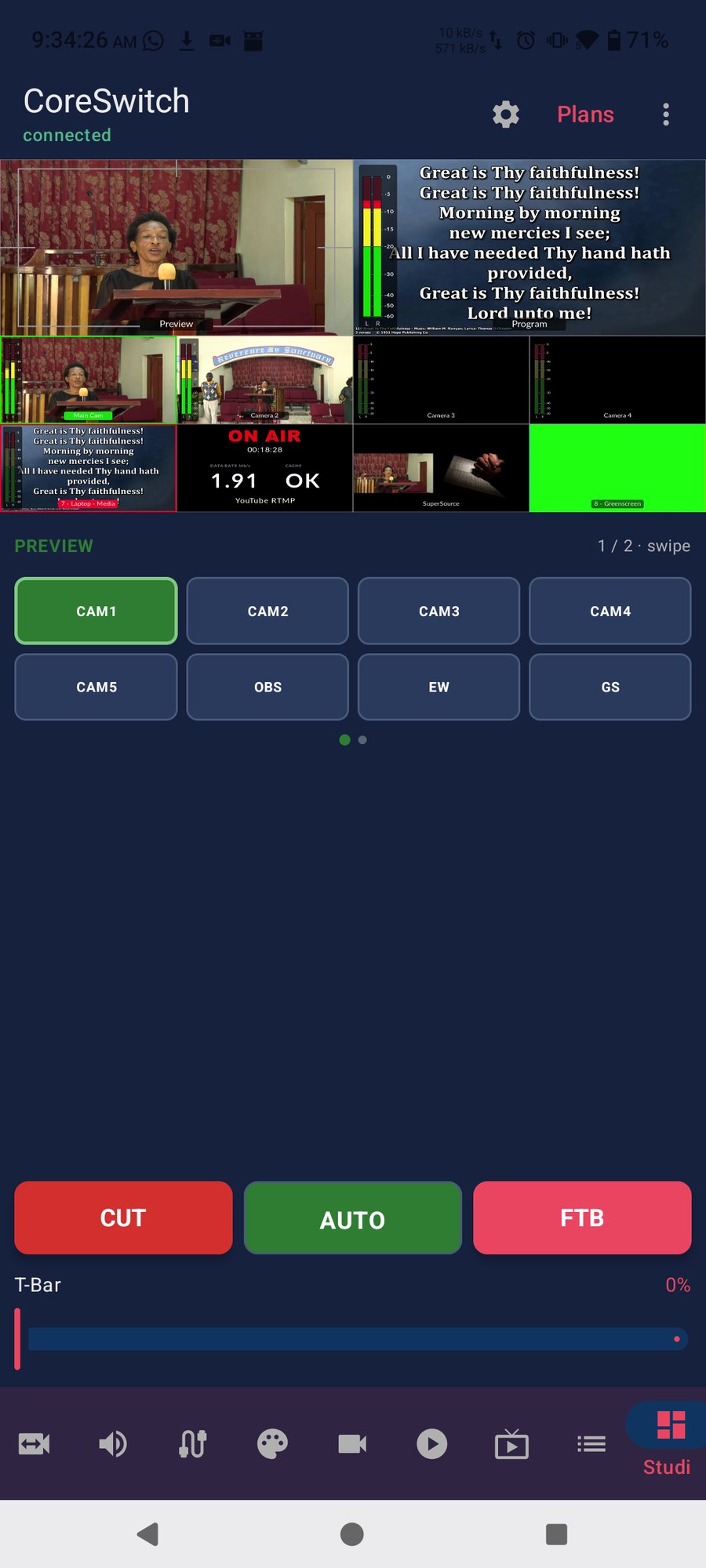
Program and Preview buses, CUT, AUTO, fade to black, and a T-bar you can drag.
Rozha's Tech
Switch cameras, mix audio, and run the show from your phone — without staying glued to the desk. CoreSwitch talks to your Blackmagic ATEM over Wi‑Fi.
In a real service
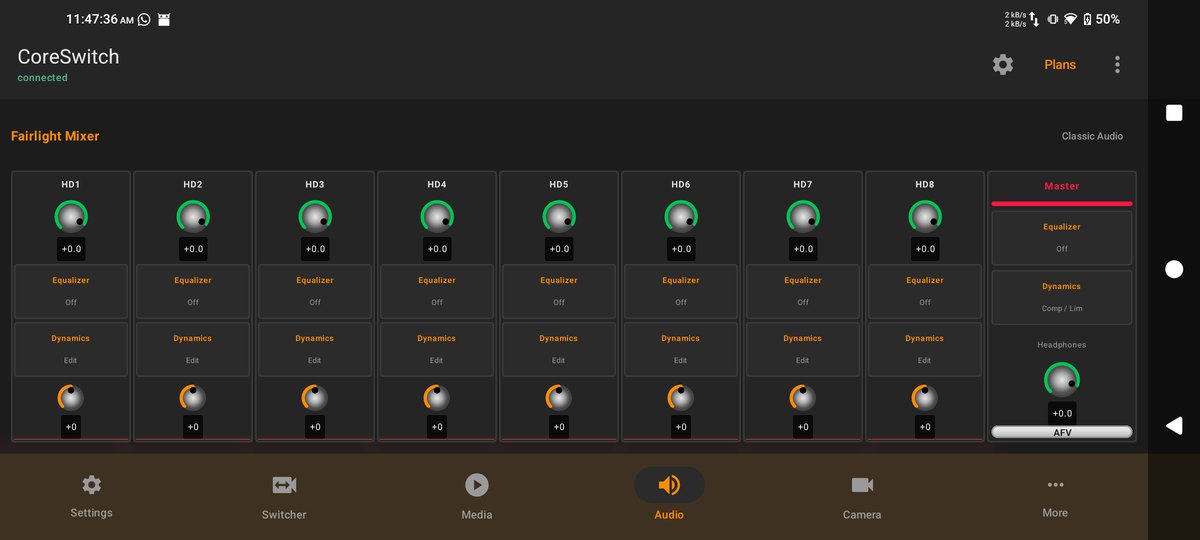
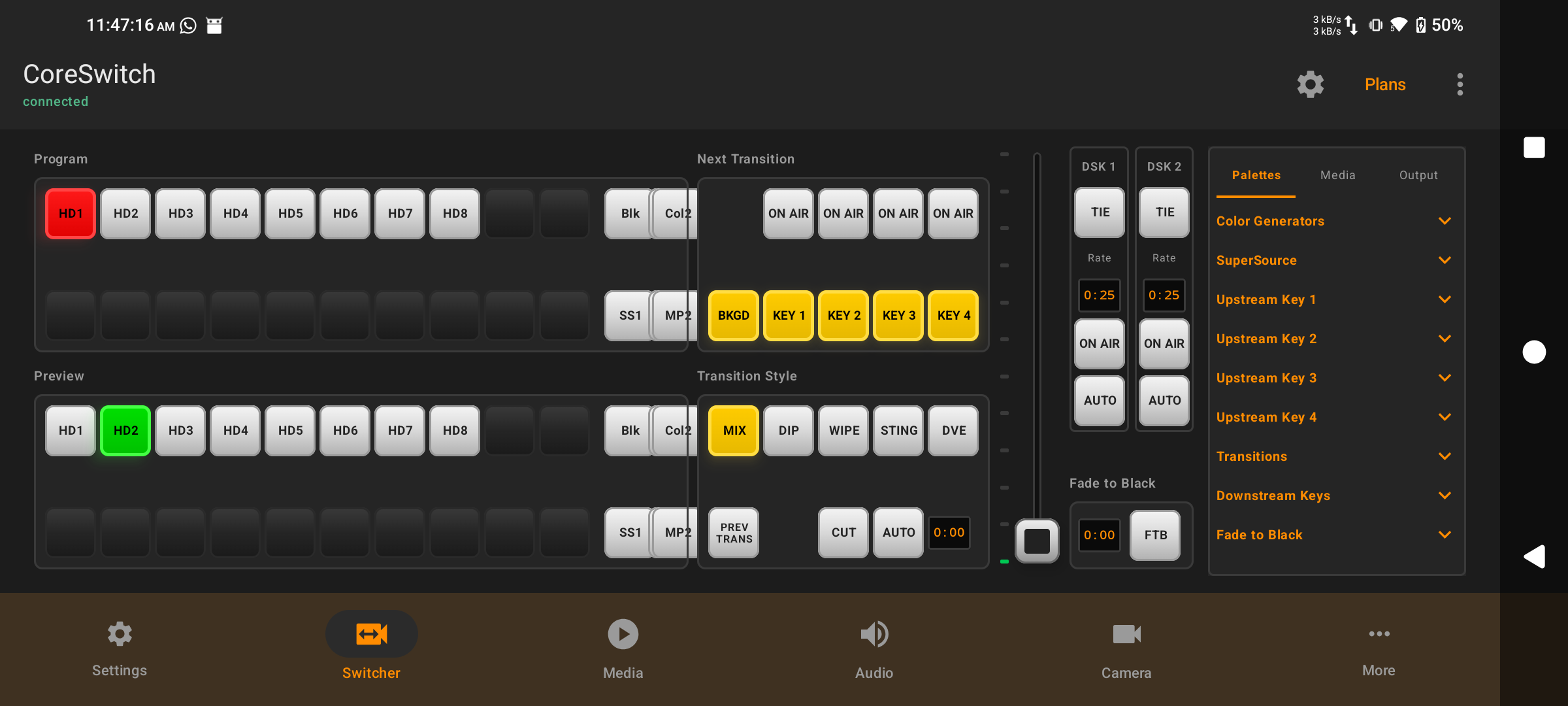
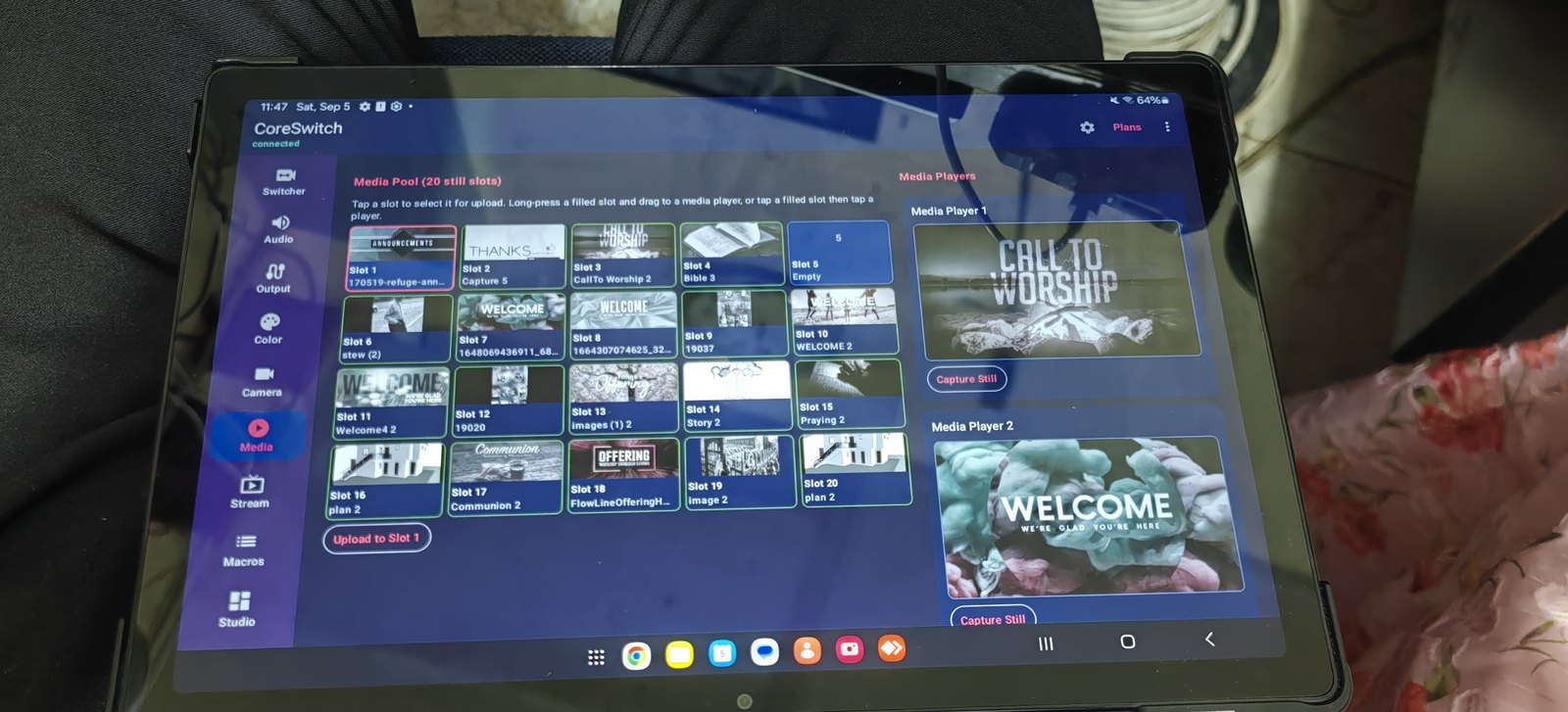
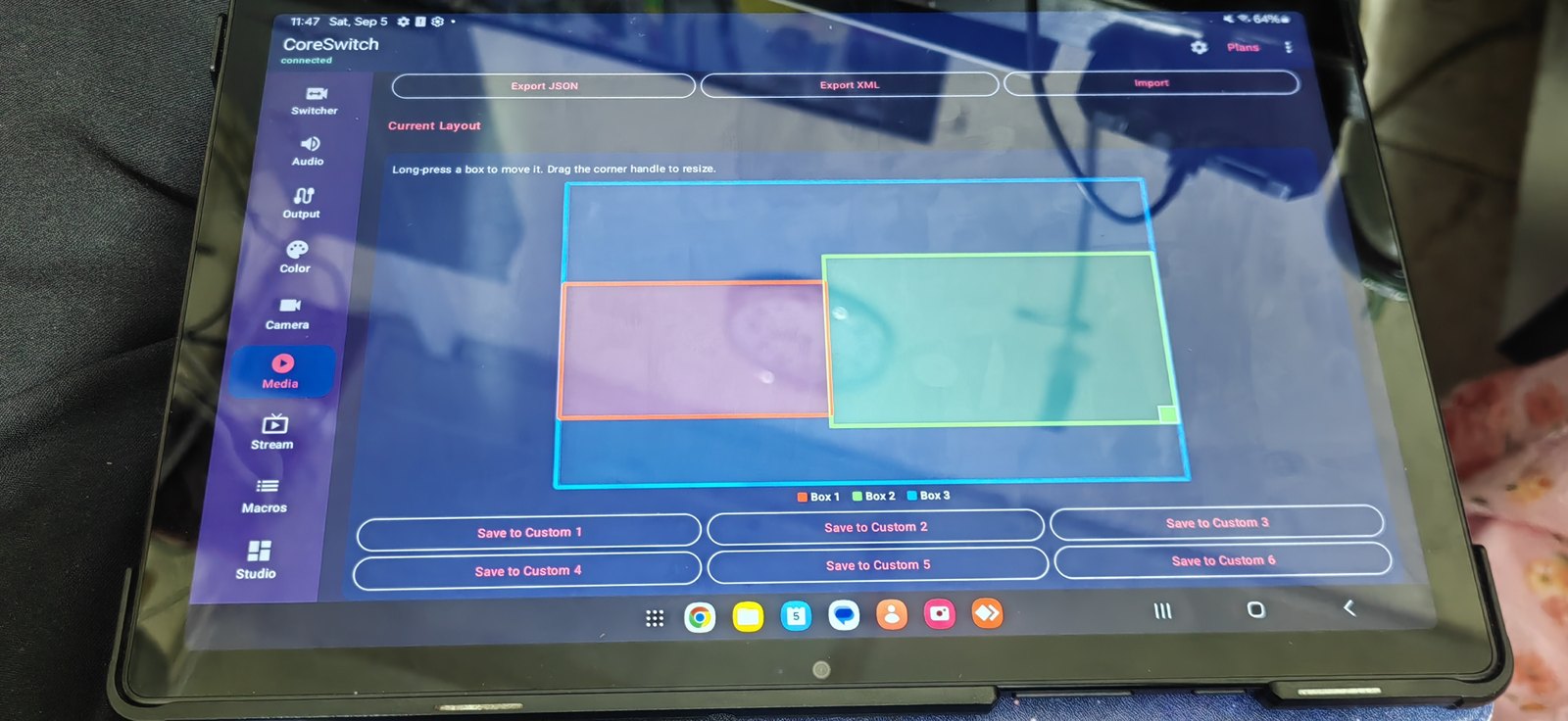
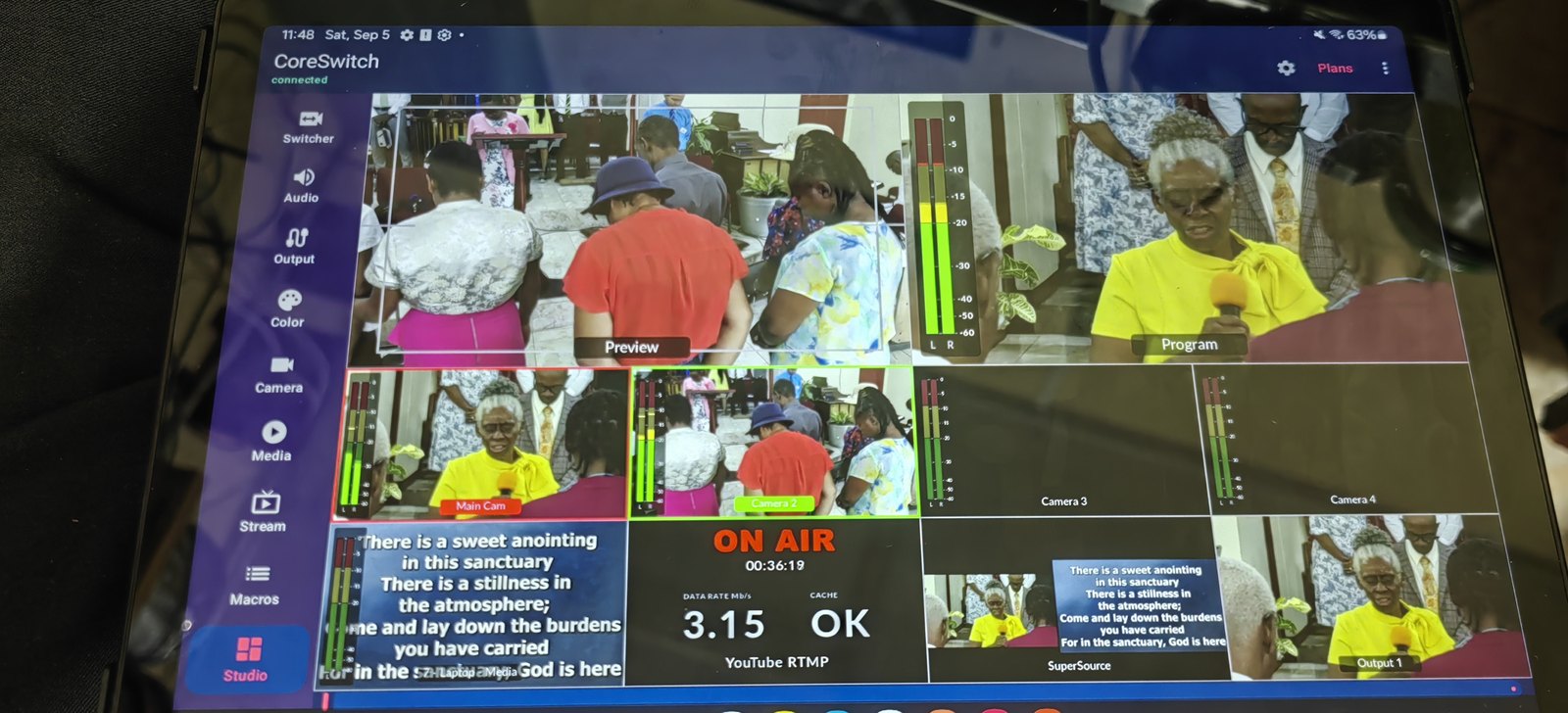
Photographed on a tablet during a live church service — Media pool, SuperSource, and Studio with YouTube on air.
What you can do
Clear Program and Preview colors. Tablet layouts that can echo familiar switcher software. Tools that unlock as you need them.
Program and Preview buses, CUT, AUTO, fade to black, and a T-bar you can drag.
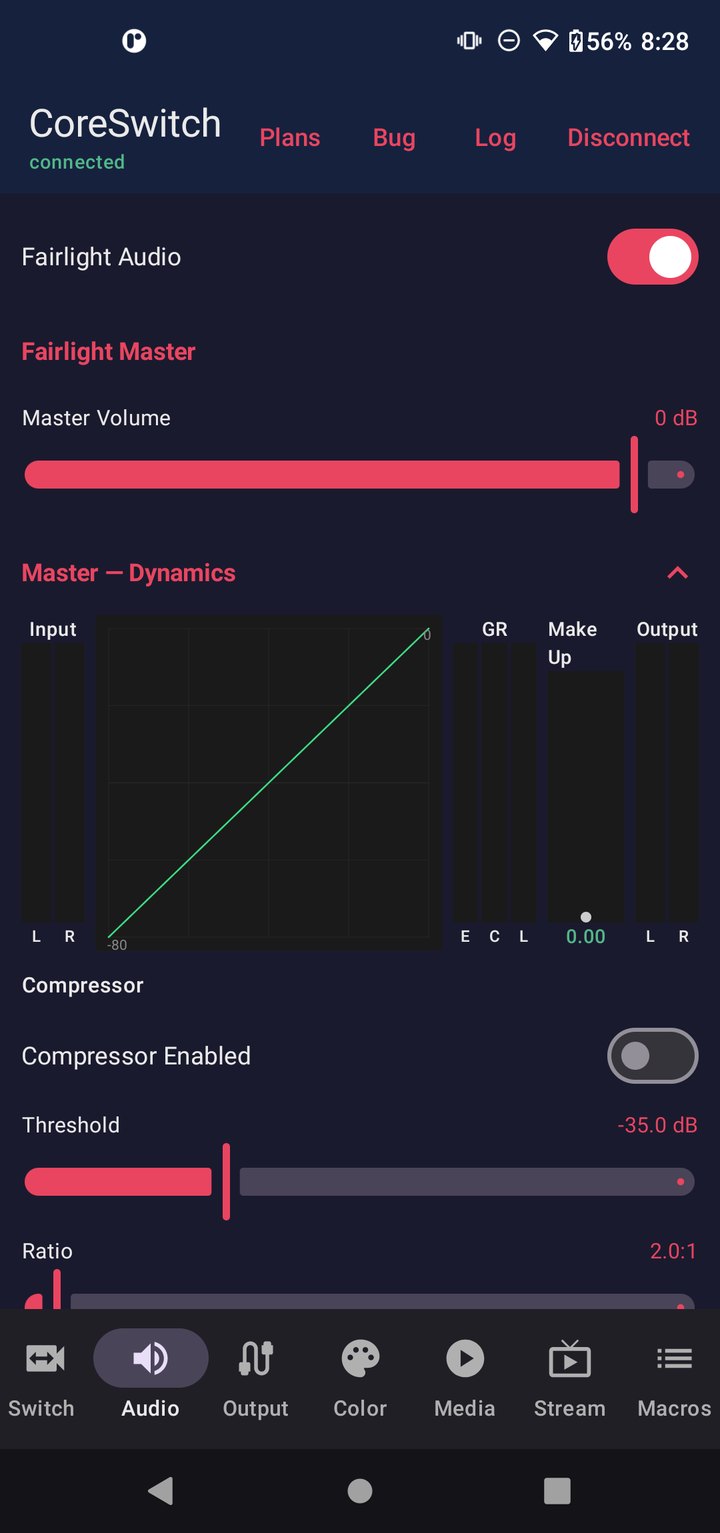
Mix, Dip, Wipe, DVE, keyers, Fairlight or classic audio, AUX routing, and color generators.
Media pool, SuperSource, lower thirds, stream and record, macros, and camera control.
See every camera on your tablet while you switch. Always free — no demo timer, no purchase required. Tap for Preview, double-tap to CUT.
One app. Tablets can use Rozha, Linux Open Switcher, or Windows ATEM Software Control looks.
Find your ATEM on the network or type the IP. Last address is remembered. Auto-reconnect if the link drops.
Look around
Tap a frame to enlarge. These are real screens from the app — not mock UI.
Lifetime unlocks
A 5-minute demo starts when you connect. Higher plans include everything below them. Prices are set in Google Play.
Touch Multiview — always free
Touch Multiview is the one feature that stays free forever — no demo lock, no plan required. Your ATEM sends multiview over USB to a Windows PC; the free Multiview Bridge streams that grid to CoreSwitch on your phone or tablet.
Android phone or tablet on the same Wi‑Fi as your ATEM. Try it when you connect — no purchase required for the demo.